Custom Ringtone Maker1.5
Publisher Description
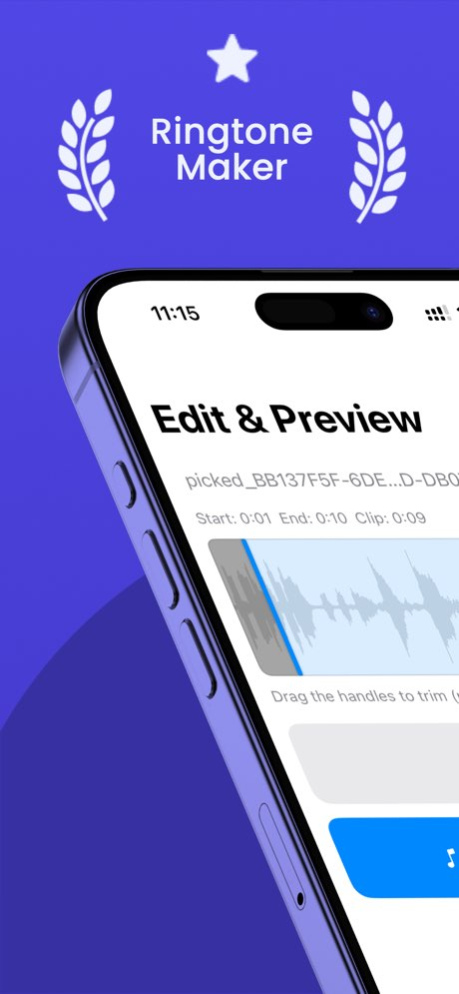
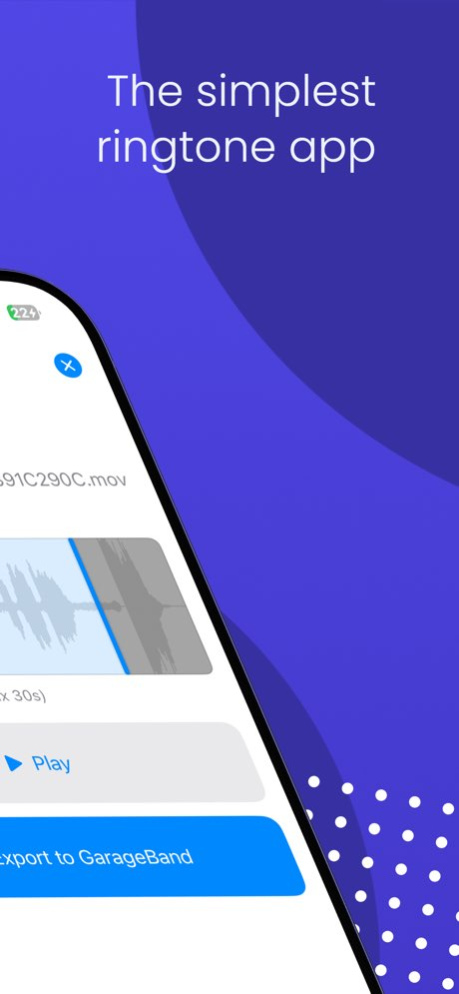
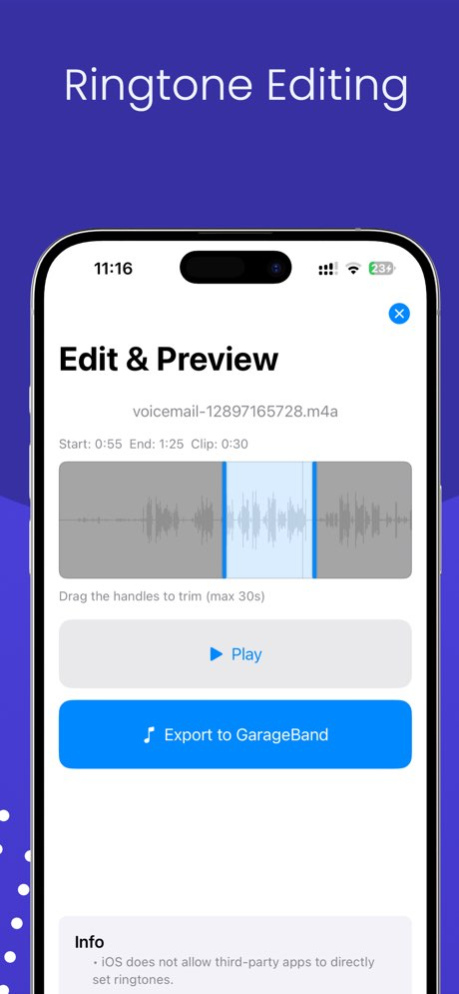
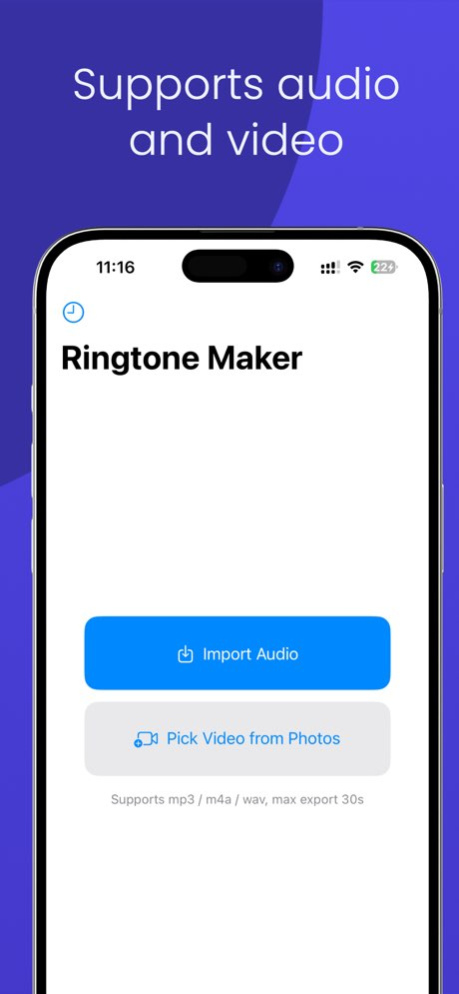
Need a custom ringtone fast? Ringtone Maker helps you cut songs, recordings, files, and video audio into clean ringtone-ready clips in just a few taps.
Choose the best part of any audio, preview it instantly, add smooth fade in or fade out, and export when you are ready. Whether you want a favorite song clip, a personal recording, or audio extracted from a video, the app keeps the workflow simple and focused.
Key Features:
- Trim audio precisely and keep clips up to 30 seconds
- Import from music, files, recordings, or video
- Extract audio from videos
- Add fade in and fade out for smoother tones
- Preview before exporting
- Save and manage your ringtone library
- Export ringtone-ready files with a clean workflow
Ringtone Maker is built for anyone who wants a personal sound without complicated editing tools. Open a file, choose the best part, and create a custom tone that feels like yours.
Perfect for:
. Custom iPhone ringtones
. Song and MP3 cutting
. Video to ringtone conversion
. Audio trimming
. Personal alert tones and sound clips
Service & Support:
. Terms of Use: https://www.apple.com/legal/internet-services/itunes/dev/stdeula/
. Privacy Policy: https://noteable.app/privacy
. Support URL: https://noteable.app/support
. Contact: support@noteable.app
Version History Added a "do not show again" feature. 1.5 Jun 29 Fix known issues 1.4 Jun 23 Fix known issues 1.3 Jun 13 Fixed some minor issues
Added the ability to remove ads 1.2 Apr 14 Adapt to 26, you can set the ringtone directly 1.1 09/24/2025 1.0 09/18/2025
About Custom Ringtone Maker
The company that develops Custom Ringtone Maker is 凡 刘. The latest version released by its developer is 1.5.
To install Custom Ringtone Maker on your iOS device, just click the green Continue To App button above to start the installation process. The app is listed on our website since 2026-10-06 and was downloaded 0 times. We have already checked if the download link is safe, however for your own protection we recommend that you scan the downloaded app with your antivirus. Your antivirus may detect the Custom Ringtone Maker as malware if the download link is broken.
How to install Custom Ringtone Maker on your iOS device:
- Click on the Continue To App button on our website. This will redirect you to the App Store.
- Once the Custom Ringtone Maker is shown in the iTunes listing of your iOS device, you can start its download and installation. Tap on the GET button to the right of the app to start downloading it.
- If you are not logged-in the iOS appstore app, you'll be prompted for your your Apple ID and/or password.
- After Custom Ringtone Maker is downloaded, you'll see an INSTALL button to the right. Tap on it to start the actual installation of the iOS app.
- Once installation is finished you can tap on the OPEN button to start it. Its icon will also be added to your device home screen.
Program Details
System requirements
Download information
Pricing
Version History
version 1.5
posted on 2026-10-06
Version History Added a "do not show again" feature. 1.5 Jun 29 Fix known issues 1.4 Jun 23 Fix known issues 1.3 Jun 13 Fixed some minor issues
Added the ability to remove ads 1.2 Apr 14 Adapt to 26, you can set the ringtone directly 1.1 09/24/2025 1.0 09/18/2025
version 1.5
posted on 2026-06-30
Version History Added a "do not show again" feature. 1.5 13h ago Fix known issues 1.4 6d ago Fix known issues 1.3 Jun 13 Fixed some minor issues
Added the ability to remove ads 1.2 Apr 14 Adapt to 26, you can set the ringtone directly 1.1 09/24/2025 1.0 09/18/2025
version 1.2
posted on 2026-06-05
Version History Fixed some minor issues
Added the ability to remove ads 1.2 Apr 14 Adapt to 26, you can set the ringtone directly 1.1 09/24/2025 1.0 09/18/2025
version 1.1
posted on 2025-09-24
Adapt to 26, you can set the ringtone directly
